


Have you ever spent hours crafting the perfect email copy, only to have the final design look uninspiring or, worse, break completely on a mobile screen? You aren’t alone. For years, creating visually stunning emails was a privilege reserved for those who knew HTML code or had the budget to hire expensive designers. But the landscape has changed. Today, a drag and drop email builder is the secret weapon for marketers who want to turn bland text into beautiful, high-converting newsletters without writing a single line of code.
In the fast-paced world of digital marketing, efficiency and aesthetics must go hand in hand.If your emails don’t grab attention within the first few seconds, they are likely to be deleted. This guide will walk you through exactly how a drag and drop email builder can elevate your campaigns, save you countless hours, and significantly boost your engagement rates.
What Is a Drag-and-Drop Email Builder?
A drag and drop email builder is a user-friendly design tool that allows you to create professional email layouts by simply clicking, dragging, and dropping elements into place. Instead of staring at a confusing wall of HTML and CSS code, you work with a visual interface – often called “WYSIWYG” (What You See Is What You Get).
Imagine playing with digital building blocks. You want an image at the top? You drag an “Image” block to the header. Need a button for your Call to Action (CTA)? You drag a “Button” block to the center. You can adjust colors, fonts, and spacing with simple sliders and menus.
This technology has democratized email marketing. It removes the technical barrier to entry, allowing small business owners, startup founders, and content creators to design emails that look just as polished as those sent by Fortune 500 companies. Platforms like MailMarketer have perfected this technology, ensuring that what you design on your screen is exactly what lands in your subscriber’s inbox.
Why a Drag-and-Drop Email Builder Matters
In the past, if you wanted a custom email design, you had two choices: pay a developer or struggle through rigid, unattractive templates. A drag and drop email builder matters because it puts the power of design back into the hands of the marketer.
Speed and Efficiency
Time is money. Coding an email from scratch can take hours or even days, especially when you have to test for compatibility across different email clients like Gmail, Outlook, and Yahoo. With a drag and drop email builder, you can cut that production time down to minutes. You can save your own custom templates, making future campaigns even faster to launch.
Consistency in Branding
Your brand identity is crucial. Inconsistent fonts, colors, or logos can confuse your audience and erode trust. A robust builder allows you to set global styles. You can define your brand’s hex codes and font families once, and every new block you drag in will automatically inherit those properties. This ensures every newsletter you send reinforces your brand identity seamlessly.
Real-Time Editing
Need to make a last-minute change to a price or a date? In a coded template, this might involve digging through lines of syntax, risking a broken layout if you accidentally delete a closing tag. With a visual editor, you simply click the text, type your correction, and hit send.
Why Beginners and Marketers Love It
The popularity of the drag and drop email builder has exploded because it serves a wide spectrum of users, from absolute beginners to seasoned marketing pros.
For Beginners: The “No-Code” Confidence
For those just starting, the fear of “breaking” an email is real. Beginners love these builders because they provide a safety net. You cannot accidentally delete a critical piece of code that renders the email unreadable. The pre-set content blocks are designed to be bulletproof, ensuring that your layout remains intact regardless of how you arrange the elements.
For Marketers: Agility and A/B Testing
Experienced marketers know that the key to success is testing. A drag and drop email builder makes A/B testing incredibly easy. You can quickly duplicate a campaign, swap out the hero image or change the color of a CTA button, and send out two variations to see which performs better. This agility allows marketers to pivot strategies based on real-time data rather than being bogged down by technical limitations.
Moreover, the ability to integrate with features like Automation means you can design complex drip campaigns visually, ensuring a cohesive journey for your leads.
How a Drag-and-Drop Email Builder Improves Conversions
A beautiful email is nice, but a high-converting email is essential. Using a drag and drop email builder directly impacts your bottom line by enhancing user engagement and readability.
Visual Hierarchy and Readability
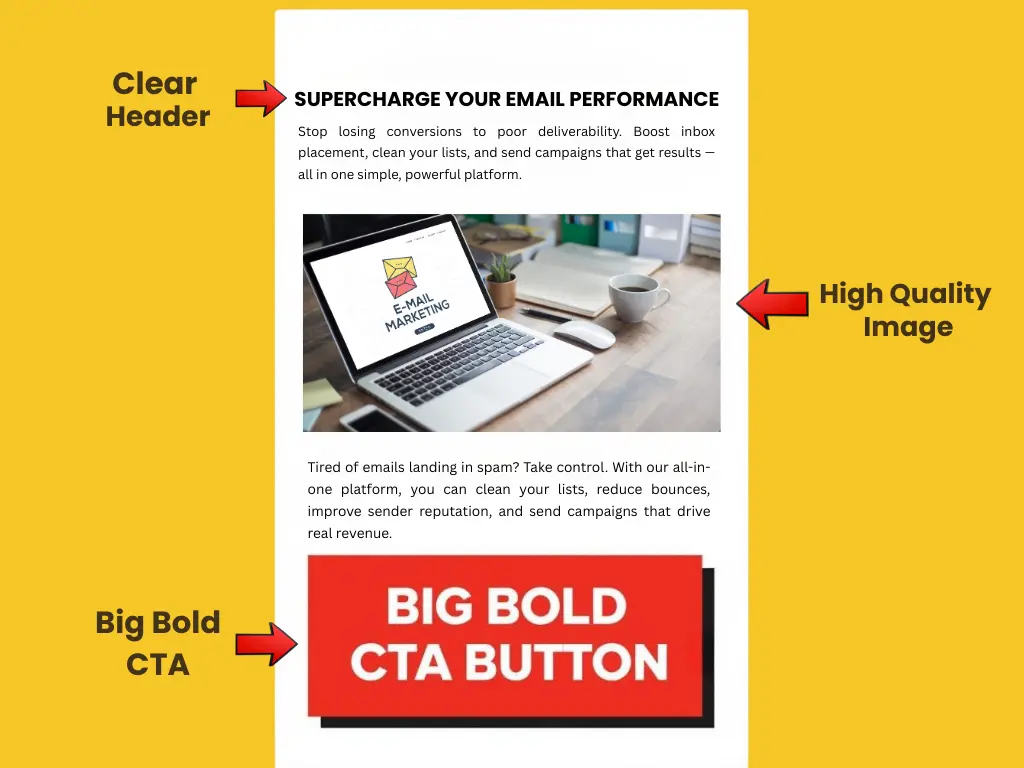
Human beings are visual creatures. We process images sixty thousand times faster than text. A builder allows you to structure your content with a clear visual hierarchy. You can use headers, subheaders, images, and whitespace to guide the reader’s eye toward your most important message.
According to marketing statistics, emails with relevant visuals can increase click-through rates significantly. By easily inserting high-quality images and video thumbnails, you break up walls of text that typically cause readers to bounce.
Optimizing Call-to-Actions (CTAs)
The ultimate goal of most newsletters is to get a click. A drag and drop email builder lets you design buttons that stand out. You aren’t limited to standard text links. You can create large, colorful buttons with rounded corners and hover effects that practically beg to be clicked. You can place these CTAs strategically throughout the email—above the fold, after a value proposition, and at the footer—to maximize conversion opportunities.
Personalization at Scale
Modern builders integrate with Segmentation tools. This means you can use drag-and-drop blocks to insert dynamic content. For example, you can drag in a text block that says “Hello, {First_Name}” or show different product image blocks to different segments of your audience based on their past purchase history. This level of personalization creates a relevant experience that drives higher conversion rates.
Responsive Email Template Design
One of the biggest headaches in email marketing is mobile responsiveness. With over 50% of all emails now being opened on mobile devices, your newsletters must look perfect on smaller screens. If an email requires pinching and zooming to read, it will be deleted immediately.
Automatic Mobile Optimization
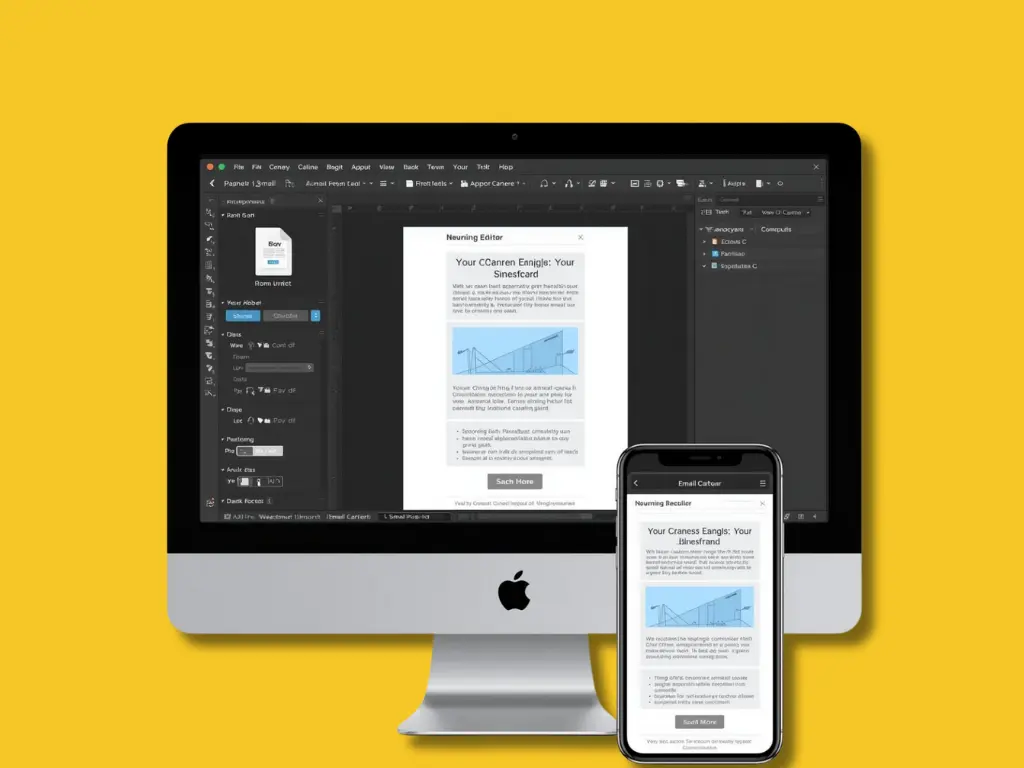
This is where a drag and drop email builder truly shines. The blocks you use are pre-coded to be responsive. When you arrange a two-column layout for a desktop view, the builder automatically stacks those columns vertically for a mobile view. You don’t need to write complex media queries or CSS rules; the software handles it for you.
Mobile-Specific Editing
Advanced builders, like the one offered by MailMarketer, often allow you to toggle between desktop and mobile views while you design. You can even choose to hide certain elements on mobile if they take up too much vertical space. For instance, you might have a large hero image that looks great on a desktop but pushes your CTA too far down on a phone. With a drag and drop email builder, you can simply hide that image on mobile devices with a single click, ensuring your most critical content is always visible.
For more insights on the importance of mobile design, reliable sources like HubSpot and Litmus frequently publish data confirming that mobile-optimized designs generate 15% more unique clicks.
Email Design Best Practices for 2025
Having a powerful tool like a drag and drop email builder is the first step, but knowing how to use it effectively is the second. Here are some design best practices to keep in mind when building your next campaign.
1. Keep It Simple (The K.I.S.S. Principle)
Don’t clutter your email just because you have dozens of blocks available. A clean, simple design often performs best. Use plenty of whitespace (padding) around your text and images to let the content breathe. This makes your email easier to scan.
2. Stick to a Single Column Layout
While multi-column layouts can look fancy on a desktop, single-column layouts are the gold standard for mobile readability. They guide the reader’s eye naturally from top to bottom, leading them directly to your CTA.
3. Use High-Quality Images (But Don’t Overdo It)
Images should support your message, not replace it. Always include “alt text” for your images in case they don’t load or for users relying on screen readers. Remember that some email clients block images by default, so ensure your email still makes sense with text alone.
4. Prioritize Typography
Choose fonts that are legible. While custom web fonts are cool, it is safer to stick to standard web-safe fonts (like Arial, Helvetica, or Open Sans) for the main body text to ensure it renders correctly on all devices. Use a font size of at least 16px for body text to ensure readability on mobile screens.
5. Leverage the F-Pattern
Studies show that people scan content in an “F” pattern—reading the top horizontal line, then a second horizontal line, and then scanning down the left side. Place your most important headlines and CTAs along these lines. Your drag and drop email builder makes it easy to align elements to match this natural reading behavior.
6. Test Before You Send
Never send an email without previewing it first. Send a test email to yourself and check it on your phone, your laptop, and different apps (Gmail app, Apple Mail, Outlook). This ensures no design elements are misaligned.
How MailMarketer’s Drag-and-Drop Editor Works

At MailMarketer, we understand that your time is valuable. That’s why we have engineered a drag and drop email builder that combines simplicity with raw power, giving you total control over your email marketing assets.
Intuitive Interface
When you open our Email Editor, you are greeted with a clean canvas and a sidebar full of content blocks. You will find blocks for:
- Text & Headings: For your compelling copy.
- Images & Galleries: To showcase your products.
- Buttons: To drive action.
- Social Links: To grow your following.
- Dividers & Spacers: To improve layout structure.
- HTML Code: For advanced users who want to inject custom scripts.
Diverse Template Library
Don’t want to start from scratch? MailMarketer offers a vast library of professionally designed Templates. You can choose a template that fits your industry—whether it’s e-commerce, SaaS, real estate, or blogging—and simply use the drag and drop email builder to swap out the dummy content with your own.
Dynamic Content & Personalization
Our builder isn’t just about looks; it’s about logic. You can easily drag in personalization tags. If you are using our Automation features, you can design emails that are triggered by specific user actions, ensuring the design matches the context of the customer journey.
Real-Time Analytics Integration

Once you’ve designed and sent your email, the cycle isn’t over. MailMarketer provides real-time analytics. You can see a heat map of where users clicked within your design. Did they ignore the top button but click the bottom one? This data helps you refine your usage of the drag and drop email builder for future campaigns, constantly optimizing for better results.
Conclusion
The days of struggling with clunky HTML tables and broken email layouts are behind us. A drag and drop email builder is more than just a convenience; it is a necessity for any modern marketer who wants to scale their efforts and maintain a professional brand image.
By allowing you to create responsive, visually appealing, and high-converting emails in minutes, these tools free you up to focus on what really matters: strategy and content. Whether you are a small business owner sending your first newsletter or a marketing manager overseeing complex automation flows, the right builder can transform your results from bland to beautiful.
Don’t let technical hurdles hold your marketing back. Experience the freedom of creativity and the power of efficiency.
Ready to create stunning emails that convert?
Sign up for MailMarketer today and try our powerful drag-and-drop editor for free. Transform your newsletters and watch your engagement soar!